


VPN Unlimited: How to Buy VPN with Crypto
Here is a super-cool option for everyone who wants to start their anonymous virtual journey from paying for a VPN subscription anonymously. VPN Unlimited offers you an opportunity to buy VPN with crypto. When completing your payment with bitcoin, your online identity remains completely private, and so you don’t have to worry that any third parties know you use a VPN app. You can pay for VPN Unlimited subscription using the following cryptocurrencies:
- Bitcoin (BTC)
- Bitcoin Cash (BCH)
- Ethereum (ETH)
- Dogecoin (DOGE)
- GUSD
- USDC
- PAX
- BUSD
Note: VPN Unlimited is also available as a part of the MonoDefense security bundle.
This manual contains step-by-step instructions on how to buy a VPN with bitcoin (or any cryptocurrencies) in two ways:
- How to buy a VPN with crypto on our official website?
- How to pay for VPN with bitcoin in KeepSolid User Office?
Keep reading to check it all out!
How to Buy a VPN with Crypto on Our Official Website
1. Go to the Pricing page on our official website.
2. Select your perfect VPN subscription.
manuals/image
3. Enter your email address to create a new KeepSolid ID.
If you already have a KeepSolid account, enter your email in this field.
Check out this page to learn more about KeepSolid ID.
manuals/image
4. In the Payment method section, choose bitpay to buy a VPN subscription.
manuals/image
5. Click Proceed.
manuals/image
6. Select the wallet that you are going to use for paying for a VPN subscription. BitPay wallet is chosen as an example.
manuals/image
7. Enter your email address to receive notifications about your payment and click Submit.
manuals/image
8. Choose the appropriate crypto option to complete your VPN payment (bitcoin is chosen as an example).
manuals/image
9. Scan your QR-code to buy a VPN with bitcoin or any other crypto in your wallet.
manuals/image
10. Now, you are ready to start enjoying your unmatched VPN protection.
How to Pay for VPN with Bitcoin in KeepSolid User Office
1. Go to your KeepSolid User Office > https://my.keepsolid.com.
2. Fill in the registration form to create a new KeepSolid ID and click Sign Up.
If you already have a KeepSolid account, navigate to the Sign in page and enter your email address and password.
Why do you need a KeepSolid ID? Check out this page to find the answer.
manuals/image
3. In the Our products section, find VPN Unlimited and click Buy now.
manuals/image
4. Select your perfect VPN Unlimited subscription to buy VPN with bitcoin.
manuals/image
5. In the Payment method section, click on the bitpay.
manuals/image
6. Select your wallet from where you are going to pay for a VPN subscription (in this manual, we choose BitPay).
manuals/image
7. Enter your email address to receive notifications about your crypto payment and click Submit.
manuals/image
8. Choose the needed crypto option to complete your VPN payment (in this manual, we choose bitcoin).
manuals/image
9. Scan your QR-code and complete your VPN payment with bitcoin or any other crypto in your wallet.
manuals/image
10. That’s it! You bought VPN with crypto and, from now on, can enjoy your unmatched VPN protection.
Bottom Line on Buying VPN with Bitcoin
We hope that now you can easily pay for our VPN subscription with bitcoin or any other crypto on our official website and in your KeepSolid User Office. Choosing our VPN, you can buy it with bitcoin and remain completely private and anonymous. Now you can complete your VPN payment with bitcoin and enjoy our top-notch VPN solution. If you still have any questions on how you can buy a VPN with crypto, don’t hesitate to contact us via support@keepsolid.com.
How to Buy VPN Subscription Using Other Payment Methods
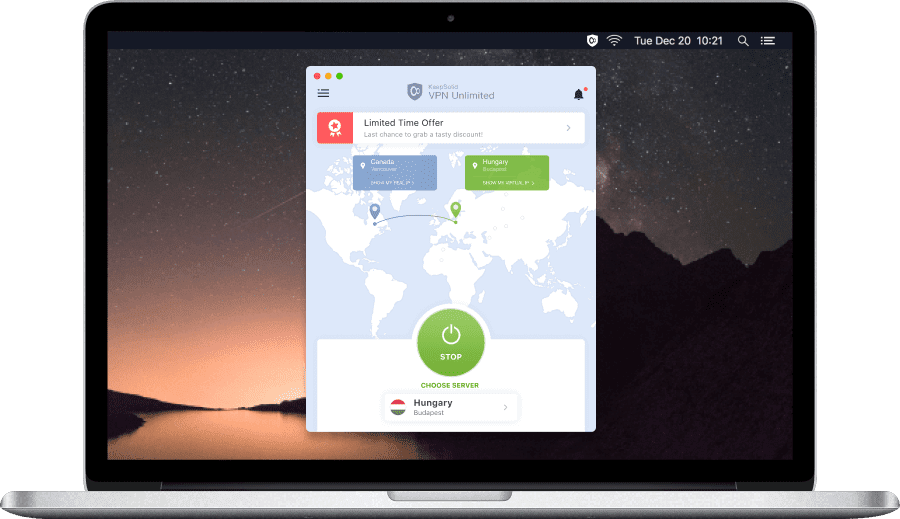
Reasons to Get Started with Our VPN Solution
- The bulletproof AES-256 encryption to safeguard your sensitive data
- IP masking feature to get around geo-blocking and internet censorship
- 3000+ servers in 80+ locations to virtual travel all around the world
- Kill Switch feature to prevent data leaks and protect users privacy
- A set of reliable protocols to get high performance and connection speed
- Two-factor authentication to save your in-app data and user credentials