


What is a VPN Router?
VPN routers are a superb solution for any user. They allow you to protect unlimited devices with a single VPN account, regardless of its device limits. They grant cybersecurity and privacy for your whole household. They don’t require you to remember to turn on your protection before going online.
In this piece, we explore all the ins and outs of VPN routers:

How to Choose a VPN Router
First things first, what is a VPN router? Quite self-explanatory, it is a router that’s configured to establish its connections via a Virtual Private Network (VPN). Any device connected to such a hotspot will automatically connect to VPN servers, and its traffic will be encrypted. Most routers can be manually configured with a VPN and some come with a pre-installed Virtual Private Network out of the box.
A VPN router is considered one of the best ways to secure your internet with the best Virtual Private Networks, such as VPN Unlimited. A VPN-compatible router will prove useful for both personal and corporate use. It covers your whole network, can protect those devices that don’t support Virtual Private Networks, eliminates the need for your employees and clients to install VPNs on their devices, etc.
Things to consider when choosing a VPN router:
- Do you need a VPN router for home, for a small business, or an enterprise-level VPN router?
- Do you need a router pre-installed with a VPN (less secure but doesn’t require additional setup) or are you ready to manually configure a VPN router (secure and flexible)?
- What type of firmware do you need?
- What maximum connection speed and other specifications do you require?
- Expected number of LAN ports and other hardware requirements?
- Will you be content with your Virtual Private Network’s cybersecurity, or do you need the router to provide additional protection?
Let’s further discuss some of these points in detail.
Usage Types of VPN Routers
The most important question to answer is where you’re going to use your VPN router - at home, in a small office, or a huge company.
Best VPN router for home
The most important things when choosing a VPN router for home are:
- Frequency - choose the 2.4 GHz band for a stronger and longer-range, yet slower WiFi connection, or the 5 GHz for a connection that’s suitable for high-quality streaming, even though it’s weaker.
- Speed - in general, the higher the frequency, the higher the speed and the faster the connection.
- Wireless sophistication - a good router features MU-MIM and supports the 802.11ac standard.
- Ease of use - it’s much easier to set up a VPN router if it offers install wizards, apps, and a modern web interface.
- Ports - the more peripherals you want to connect, the more ports you’ll need.
Here are our top picks for VPN routers for home:
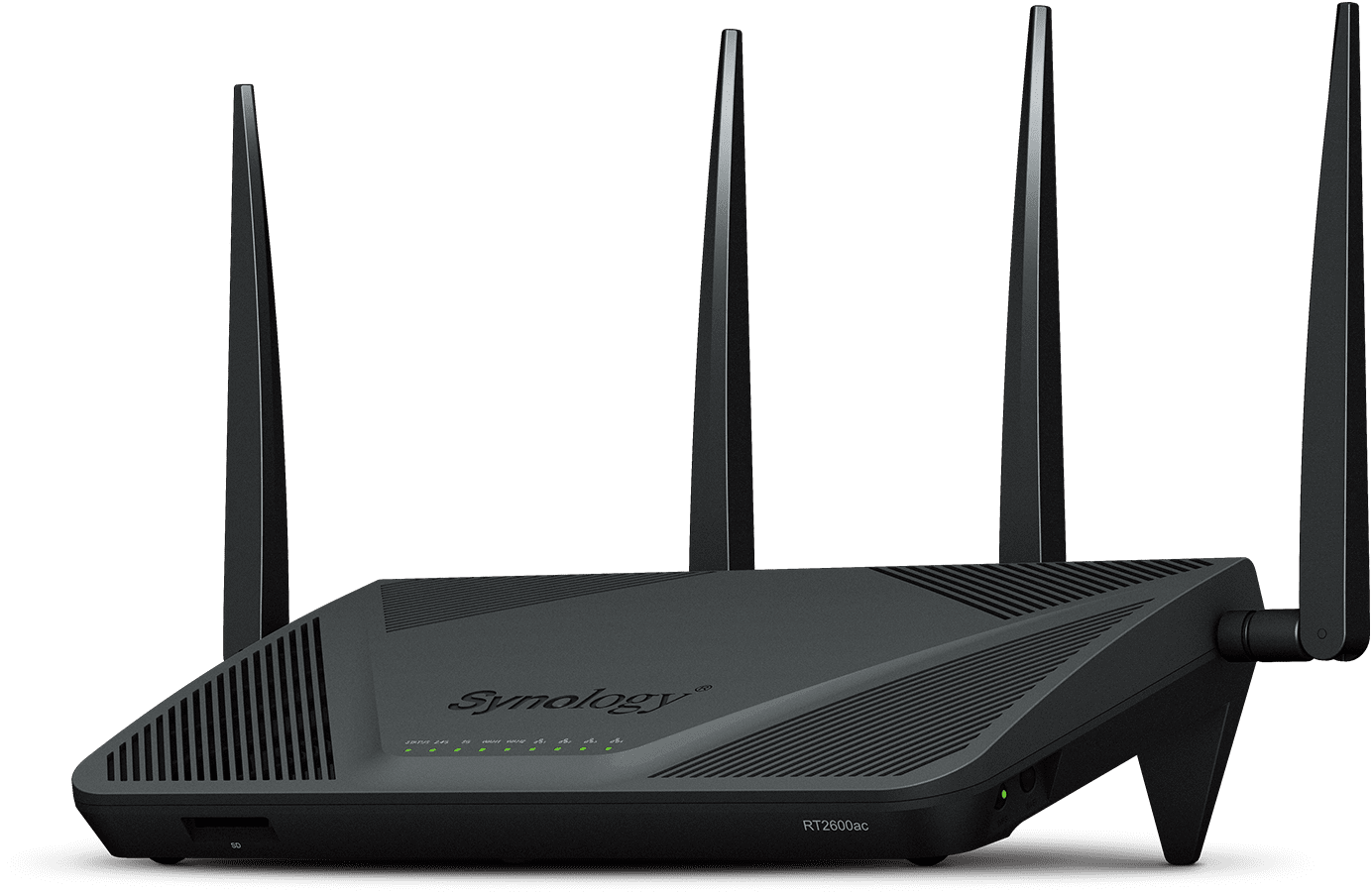
1. Synology RT2600AC
|
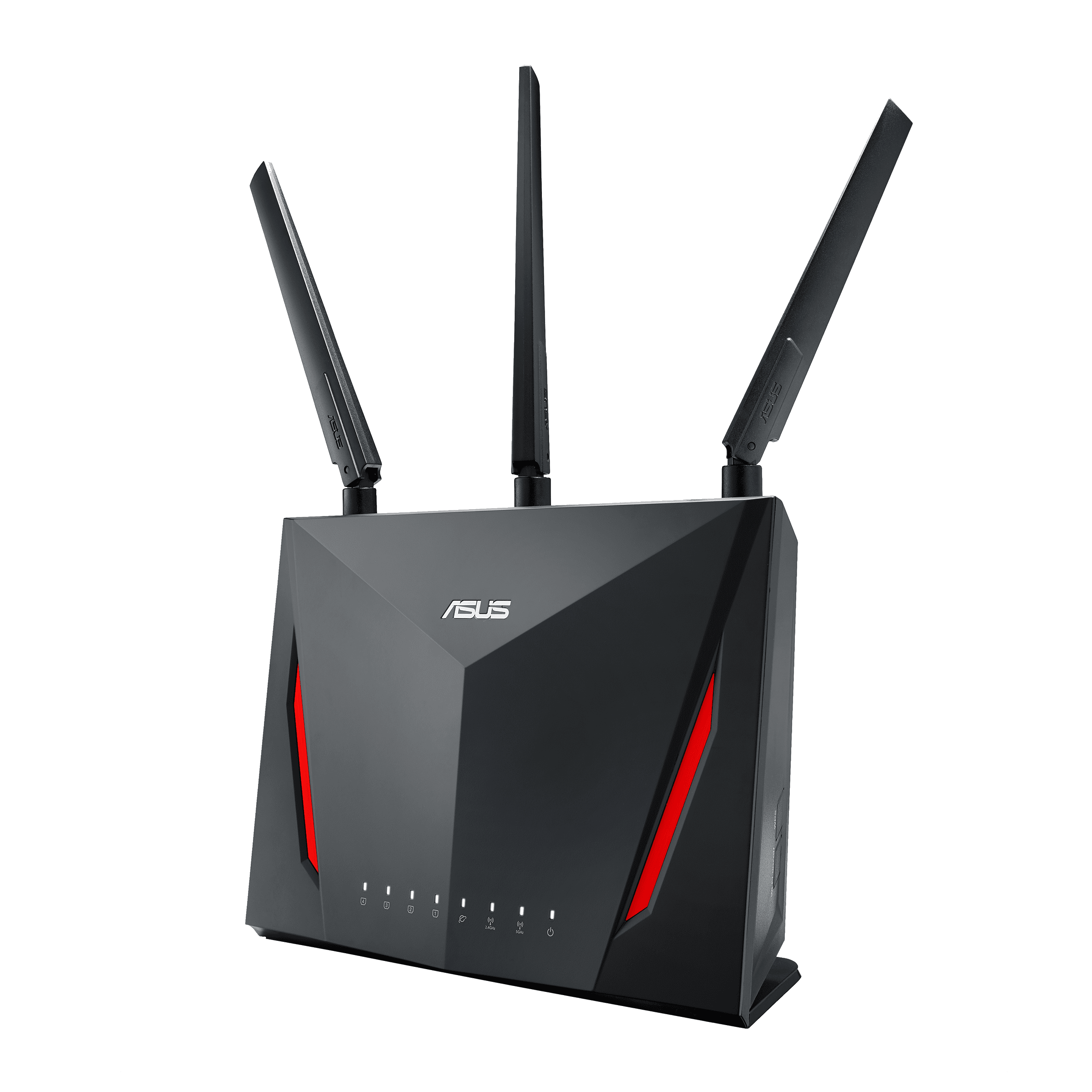
2. Asus RT-AC86U AC2900 Dual-Band Gigabit WiFi
|
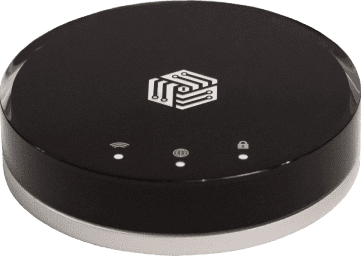
3. InvizBox 2 VPN Router
|
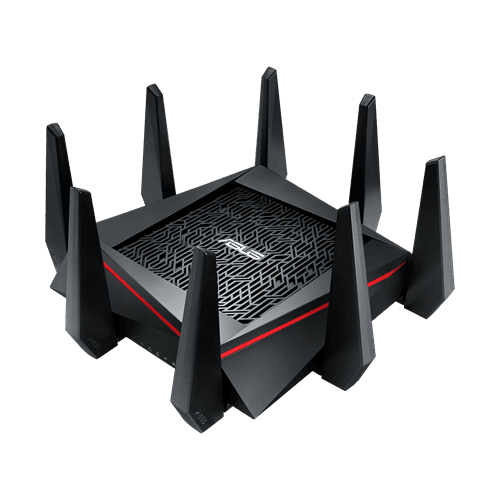
4. Asus RT-AC5300 AC5300 Tri-Band Gigabit WiFi
|
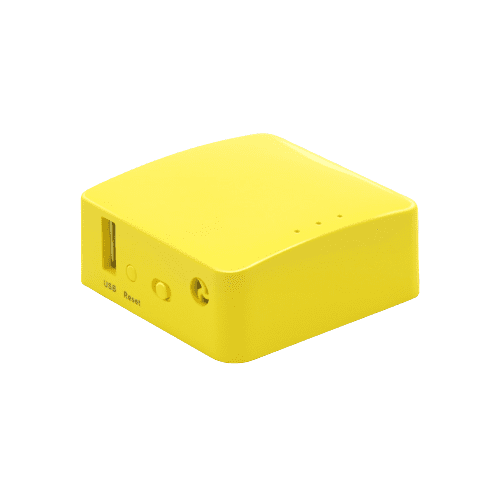
5. GLiNet GL-MT300N-V2 Mini Smart Router “Mango”
|




Best VPN router for small office
What features should one look for in a VPN router for small businesses? All that we listed earlier (frequency, speed, wireless sophistication, etc.) still apply. However, the best VPN routers for SMB must also offer great security. Small companies have a limited budget for cybersecurity staff and firewalls, so any breach can be disastrous.
Here are our top picks for VPN routers for small businesses:
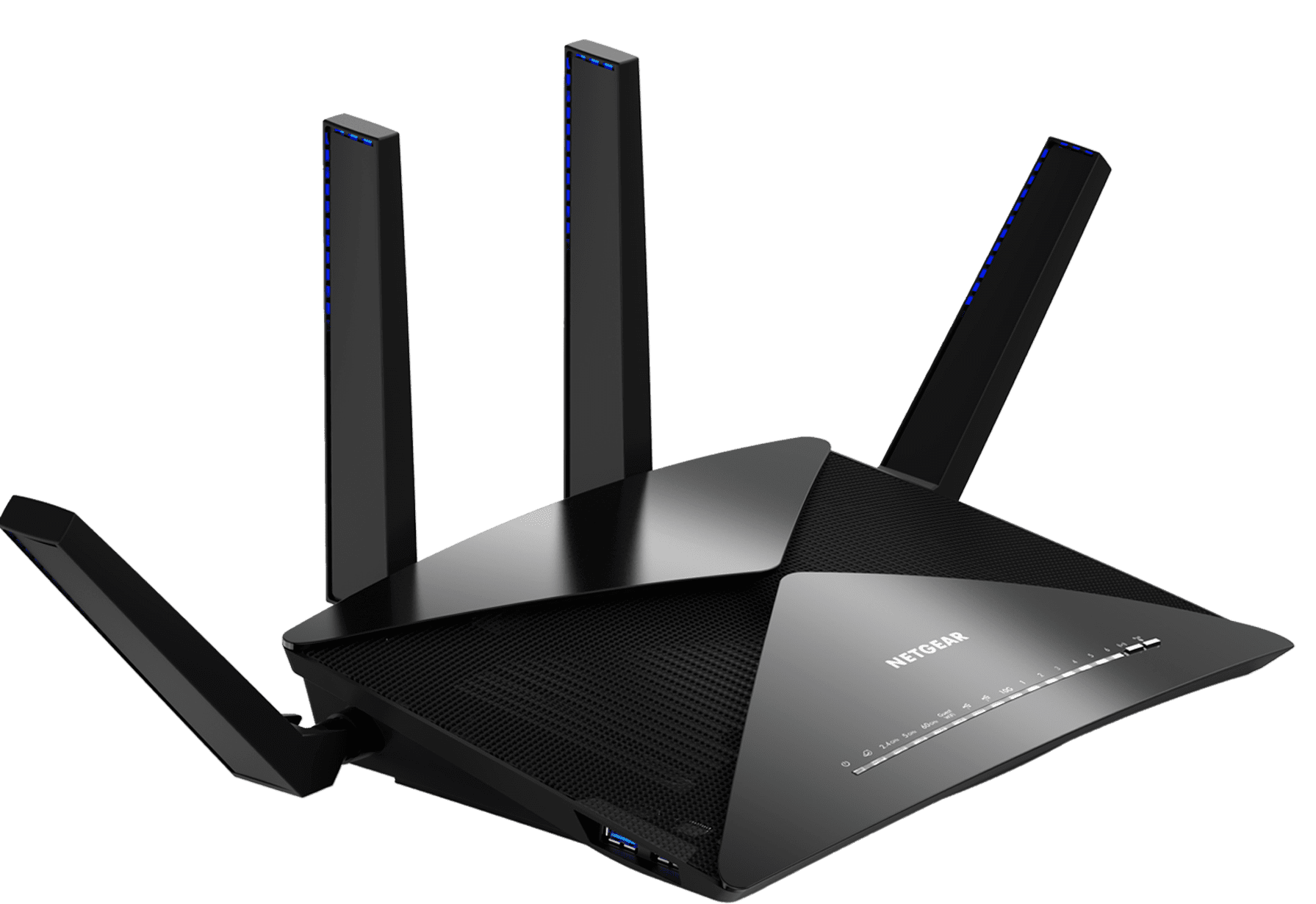
1. Netgear Nighthawk R9000 X10 router Quad-stream
|
2. Asus RT-AC5300 Router Tri-Band
|
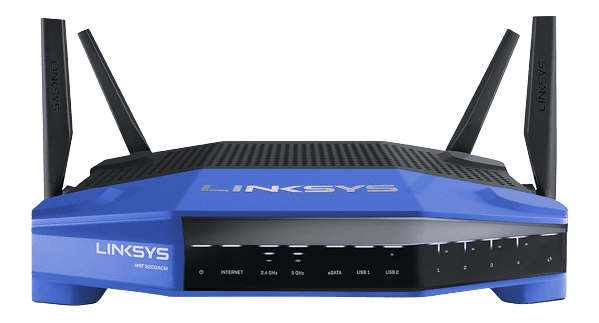
3. Linksys WRT3200 ACM Router
|
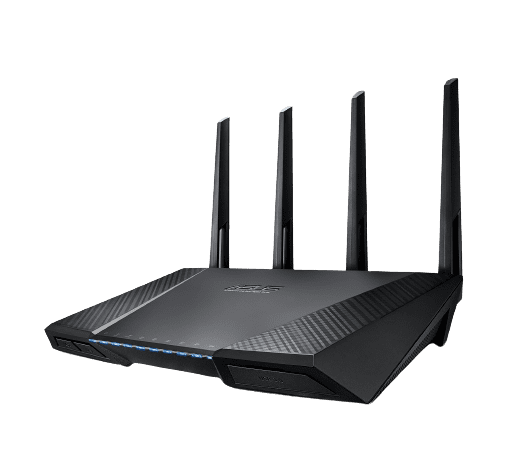
4. Asus RT-AC87U AC2400
|
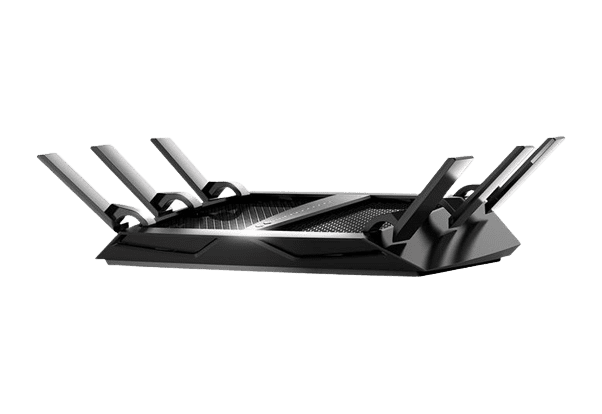
5. Netgear Nighthawk X6 R8000 AC3200
|
Enterprise-level VPN routers
As opposed to SMB-grade hotspots, enterprise-level VPN routers are not expected to carry the burden of cybersecurity alone. They should be customizable and flexible to allow the company’s security specialists to configure them in a way that best suits the organization’s needs. The stronger the VPN router, and the more configuration options it offers - the better.
Here are our top picks for enterprise-level VPN routers:
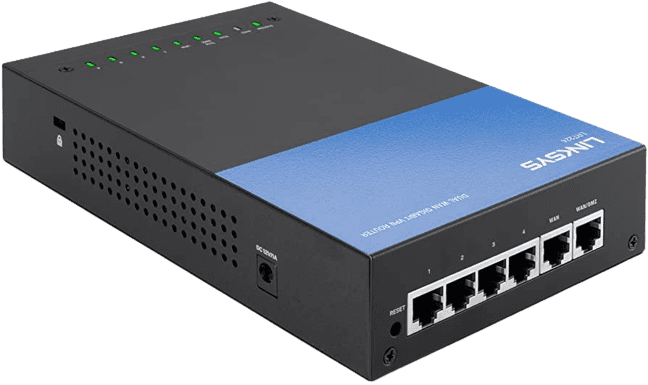
1. Linksys LRT224 Dual WAN Business Gigabit VPN Router
|
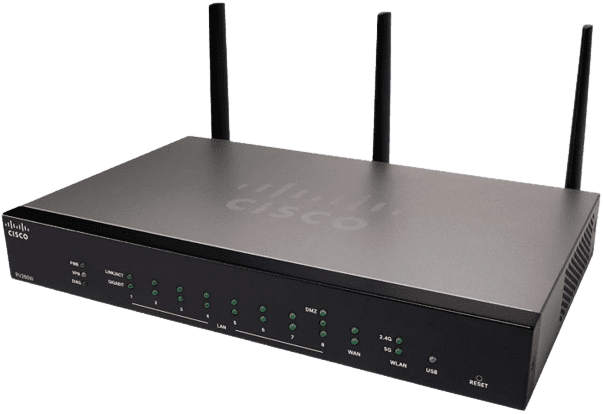
2. Cisco RV260W Wireless-AC VPN Router
|
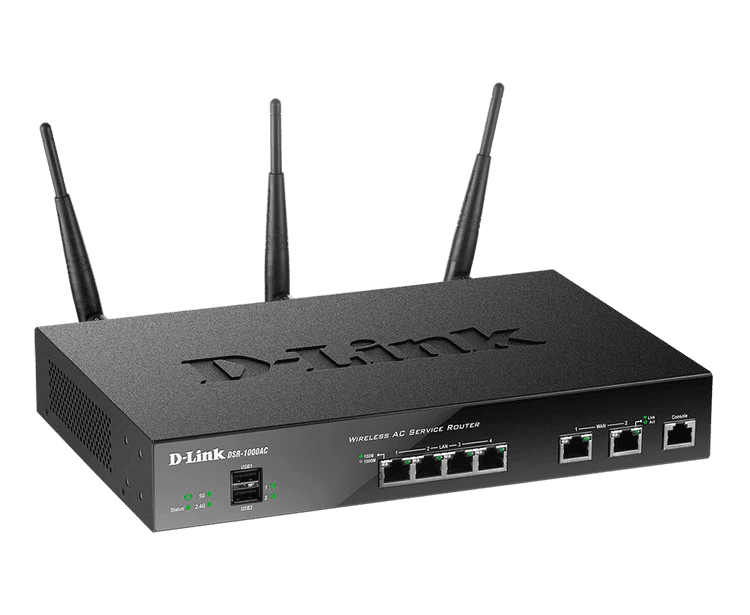
3. Wireless AC Unified Services VPN Router DSR-1000AC
|
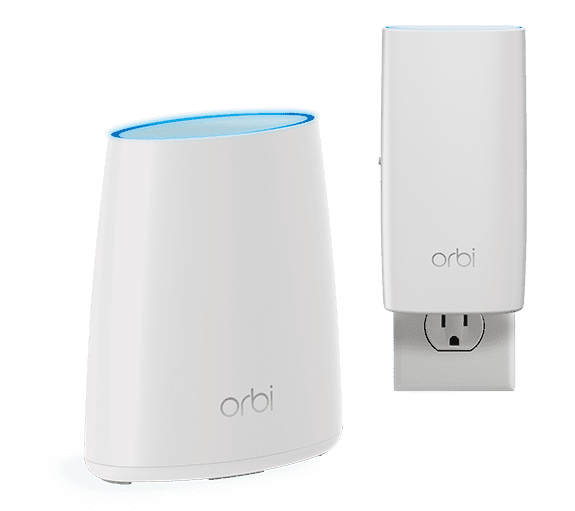
4. Netgear Orbi WiFi System AC2200 (RBK30)
|
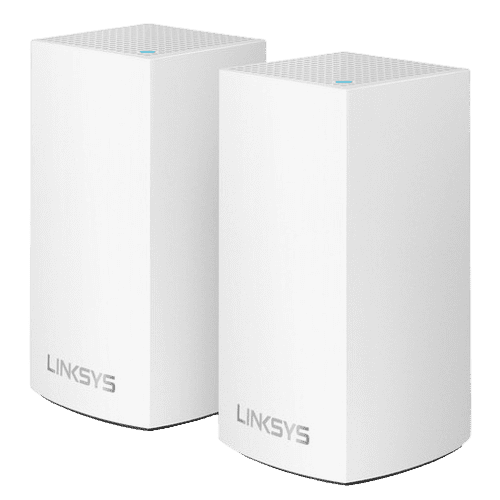
5. Linksys Velop Dual-Band Whole Home WiFi Mesh System
|
How Difficult is It to Setup VPN on a Router?
The difficulty of configuring a VPN on a router depends on your hardware and the Virtual Private Network you’d like to use. It can range from non-existent to requiring expert-level IT knowledge.
Beginner level: Preconfigured VPN Routers
The easiest way to configure a VPN router is to not configure anything at all! Or rather, to get yourself a device that comes pre-configured with a Virtual Private Network out of the box. The benefit of this option is obvious, the drawbacks are that your selection of VPN routers gets significantly limited and that you may not be able to get the performance and capabilities you need.
Manually configured VPN routers
Manually installing a VPN on your router may sound (and look) intimidating, especially if the device’s interface looks more like an MS-DOS screen. However, don’t let this stop you! Manually configuring a VPN router can actually be quite simple, what with detailed manuals, professional customer support by both the device’s and VPN’s providers, etc.
Is a VPN Router Worth It?
You may be asking yourself, is a VPN router even worth it, considering all the hassle with setup? All things considered, it certainly is.
First of all, it’s a cost-effective way to secure your whole network with a single VPN subscription (regardless of the number of connected devices). Secondly, this ensures that every device in your network gets protected, users don’t have to remember to enable separate apps for protection. Finally, by connecting your device to a VPN router, you can even protect platforms that do not support VPNs, such as smart TVs or gaming consoles.
Cheap VPN solution
VPN Unlimited is a great option for a VPN router. It offers high enough security, privacy, anonymity, and performance to satisfy both individual users and businesses. We have detailed guides to help you configure VPN Unlimited on your device and if everything else fails, our 24/7 customer support is always happy to help. We also offer a free trial and money-back guarantee, so you can ensure that VPN Unlimited is really for you without spending a dime.